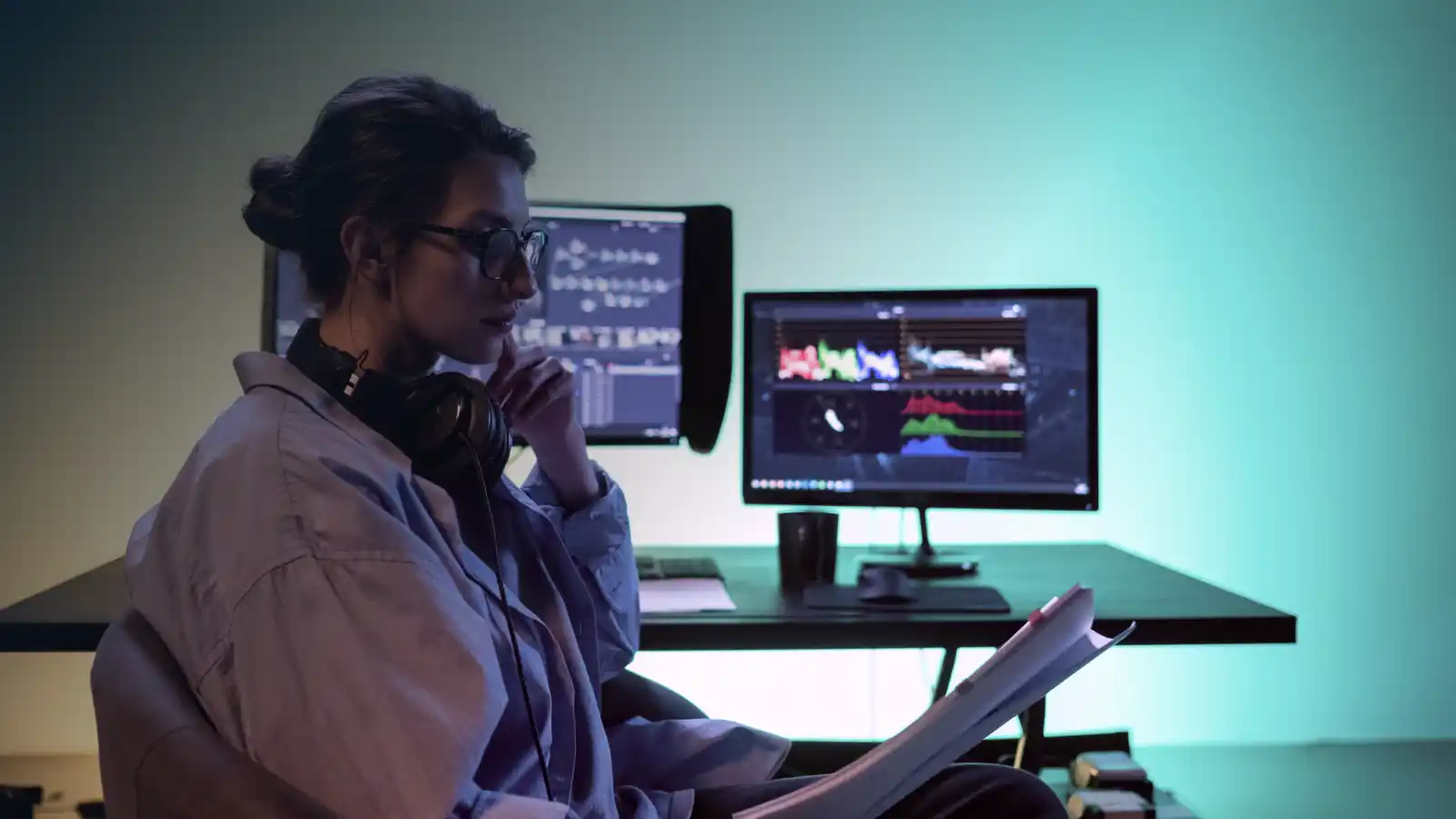
Remote directing is the practice of supervising a video shoot from a separate location: using a live video feed to call shots, approve setups, and guide performances without standing at the video village.
Indeed, most of our international clients are not in Spain when the shoot happens. They direct from London, New York, Beijing, or wherever in the world they are based, watching a live feed while our crew operates on the ground.
The economics usually make the call for you. Flying a full creative team to a two-day shoot abroad often adds cost without adding much to the shoot itself. With the right feed setup, the remote director has the same visibility as someone sitting at the monitor on set. What they cannot do is physically adjust a light or move a prop. That is what the on-location crew is for.
Which tool to use depends on what you are shooting. A controlled commercial set with stable Ethernet is a different problem from a live event without fixed internet, and both are different from a standard corporate shoot. For full video production services in Spain, we handle the technical setup on the ground. Remote-directed shoots are a regular part of the work. This is our well-worn ground.
How a remote-directed shoot works on the day
The brief needs to be closed before the shoot day starts. A remote director cannot physically walk over to assess a location or redirect based on something they spot in the room. Every setup sequence, framing option, and contingency has to be agreed in pre-production. That discipline is what makes remote directing reliable.
On the day, the crew presents the first setup for approval before cameras roll. The remote director reviews it through the live feed, calls any adjustments, and confirms the take. The crew moves between setups, and the next one is ready when the director calls for it. The loop runs the same as it would on set, just through a monitor feed rather than a walk to camera.
The direction is unchanged. The director calls the pace, approves the frame, and drives the shoot. The location is just different.
How to remotely monitor live camera feeds during a video shoot
Three setups cover the main scenarios: ClearView Flex for controlled commercial sets, LiveU for field and event shoots without fixed internet, and Zoom or Teams for corporate and interview productions.
How to supervise a commercial or TVC shoot remotely
Sohonet ClearView Flex is the professional standard for remotely monitoring live camera feeds on controlled commercial sets. It streams an encrypted, colour-accurate live feed from camera to any remote viewer: up to 2K DCI resolution, 10-bit 4:2:2 HDR, with Rec.2020 and P3-D65 colour space support. Latency is low enough for real-time direction. Up to 40 people can join the same session, so the director, agency, and client all watch simultaneously without competing for a single monitor feed.
We run ClearView Flex on commercial and TVC shoots in Spain. The same platform is used by Netflix, Paramount, Amazon Studios, and Bad Robot. When colour accuracy is a must, this is the top tool for commercial video production in Spain.
Frame.io Camera to Cloud works alongside ClearView for footage review between takes. It is not a live feed tho. Ingested files are available within seconds of the take, giving the remote director and DOP a colour-managed copy to review before calling the next setup. Directors who prefer evaluating individual takes over watching the continuous feed usually use it alongside the ClearView Flex set-up.
How LiveU bonded cellular enables remote directing for events and location shoots
LiveU aggregates multiple 4G and 5G cellular connections into a single stable outgoing stream using the LRT protocol, LiveU Reliable Transport. It is a low-latency, packet-ordering system that reassembles the video after it travels across multiple network paths simultaneously. If one connection drops, the remaining connections carry the stream without the remote viewer seeing an interruption.
For events, sports coverage, and location shoots where Ethernet is not available, LiveU is the field standard. For more on how our broadcast crews use the technology in practice, what LiveU is and how it works covers the full technical detail.
We regularly deploy the LU300S, LU600, and LU800 through our live streaming and broadcast crew in Spain, with the unit selected by bandwidth requirement and whether the crew needs to move during the shoot. The outgoing feed routes into any platform the remote director already uses, with no additional setup on their end.
Latency on a LiveU feed runs between two and eight seconds depending on network conditions and encoding settings. For event coverage and location work, this is more than manageable. The direction feedback loop is slightly slower than on a wired connection, but the consistent, uninterrupted stream is what matters on a live job. Total signal loss requires all bonded connections to fail simultaneously. Under normal field conditions, that does not happen. We have run LiveU feeds from the top of the Pyrenees and kept a clean stream to the remote director throughout. We are speaking from experience.
How to direct a corporate or interview shoot remotely via Zoom or Teams
For corporate video production in Spain and interview video production in Spain, a clean HDMI feed routed into Zoom or Microsoft Teams is often the correct level of setup. The remote director or client joins a call they already know. We handle the encoder, the connection, and the feed quality from set. Nothing needs to be installed or configured on the viewer’s side.
The honest limitation is colour accuracy. Zoom and Teams compress the video signal. What the remote viewer sees is an accurate representation of the frame, not a colour-managed feed. For corporate productions delivered as H.264 or MP4 files for web or internal use, this is rarely a production concern. For any shoot where the DOP and director need to make graded colour decisions on the day, ClearView Flex is the right choice.
The practical upsides are zero onboarding and being a budget-friendly set-up. If the client can join a Zoom meeting, they can supervise a shoot in Spain without traveling. No new software, no support calls, no technical dry run required.
Which remote monitoring setup fits your production?
The three tools above are not interchangeable. Here is how they compare across the decisions that matter on set:
What on-location crew handles when you direct remotely
The feed gives the remote director visibility. It does not replace an experienced on-location team. That is not what it is for.
Before cameras roll, the crew presents framing options, lighting setups, and any location constraints for remote approval. Once the shoot starts, the production coordinator manages everything physical on the day: crew timing, permit compliance on the ground, equipment issues, and any logistics that need resolving without pulling the director off the feed. If something goes wrong technically, it is fixed before it reaches the remote director. Our video crew in Spain is the production layer the remote director does not see but relies on entirely.
For international productions directing remotely from London, New York, or elsewhere, the crew capability is what determines whether remote directing actually works. The director communicates directly with the camera operator: calling framings, requesting adjustments, and approving each setup before the crew moves on. The on-location team executes with the local knowledge to handle what a remote director physically cannot. The division of responsibility is clear, and it works because the brief is closed before the shoot day starts, not adjusted on the fly.
When remote directing works and when you should still travel
Remote directing works reliably when the brief is precise, the setup is controlled, and the production type does not require constant physical creative decisions. Single-location shoots, talking-head and interview formats, event coverage, and productions with an established crew relationship all work well remotely.
The productions where it is still worth traveling: complex multi-location shoots where the creative direction may pivot based on what the location actually looks like in person, first-time collaborations where no working shorthand has been established yet, and any shoot where real-time creative decisions happen every few minutes and a slightly delayed feedback loop creates problems.
Most corporate and event productions do not require the director on the ground. A significant proportion of commercial and TVC shoots benefit from having a supervising producer physically present for at least part of the day. If the budget allows it and the brief has room for creative change, the on-location option is still the lower-risk choice. Remote directing is not always the answer. It is often the right one.
If you are planning a shoot in Spain and want to discuss the remote directing setup that fits your brief, send your brief to our production team. We come back within 24 hours with a cost estimate and a straight answer on what the right setup looks like for your production.
This website uses cookies so that we can provide you with the best user experience possible. Cookie information is stored in your browser and performs functions such as recognising you when you return to our website and helping our team to understand which sections of the website you find most interesting and useful.
3rd Party Cookies
This website uses Google Analytics to collect anonymous information such as the number of visitors to the site, and the most popular pages.
Keeping this cookie enabled helps us to improve our website.
Please enable Strictly Necessary Cookies first so that we can save your preferences!